If you’ve used a Xiaomi phone for a year or two, you might’ve noticed it feels a little slower than it used to. It’s not your imagination. Apps hesitate, pages stutter, and the battery drains faster than you remember. People often blame the hardware, but that’s rarely the villain. Most of the time, it’s plain old clutter.
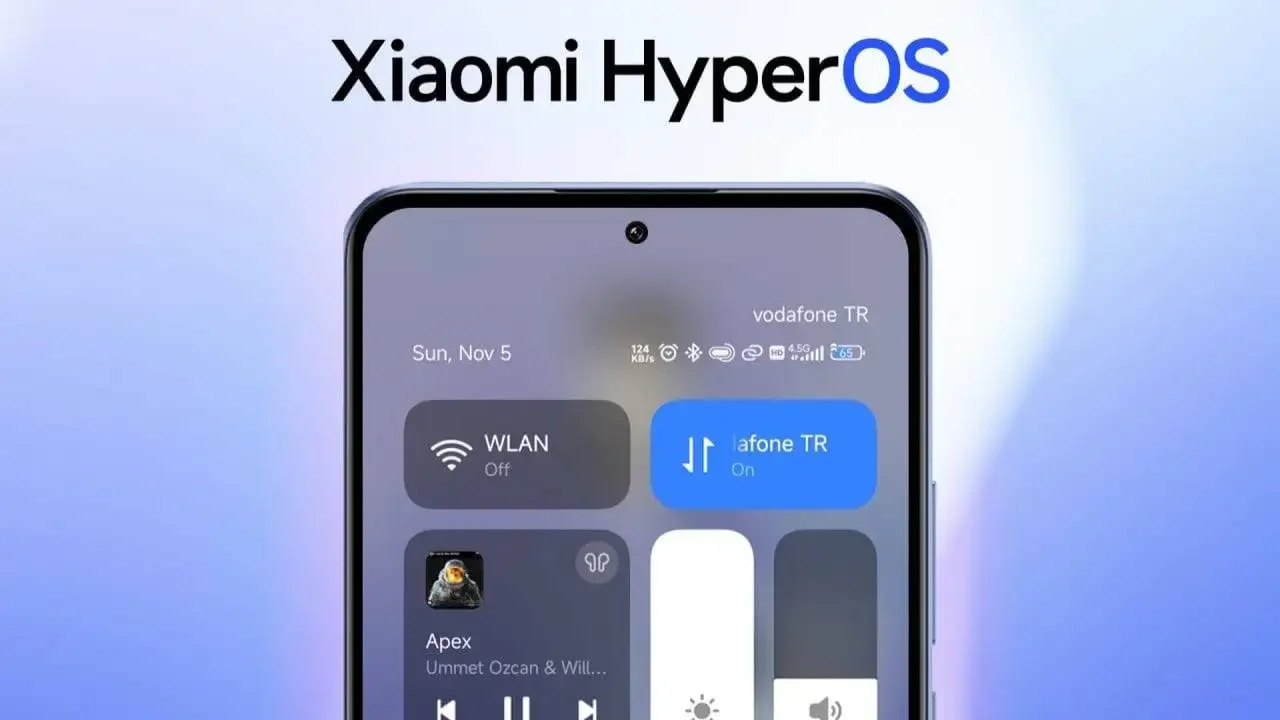
Phones collect junk quietly. Each app you open leaves behind bits of cached data. Add screenshots, duplicate photos, and a few apps you forgot to uninstall, and suddenly your once-speedy device is working double time just to keep up.
The fix doesn’t require a factory reset or a trip to a service center. A quick digital tidy-up is usually all it takes.
Step One: Meet Your New Friend, Google Files
Xiaomi’s own cleaner does a fair job, but Google Files makes the whole process simple. It’s free, safe, and already on most phones.
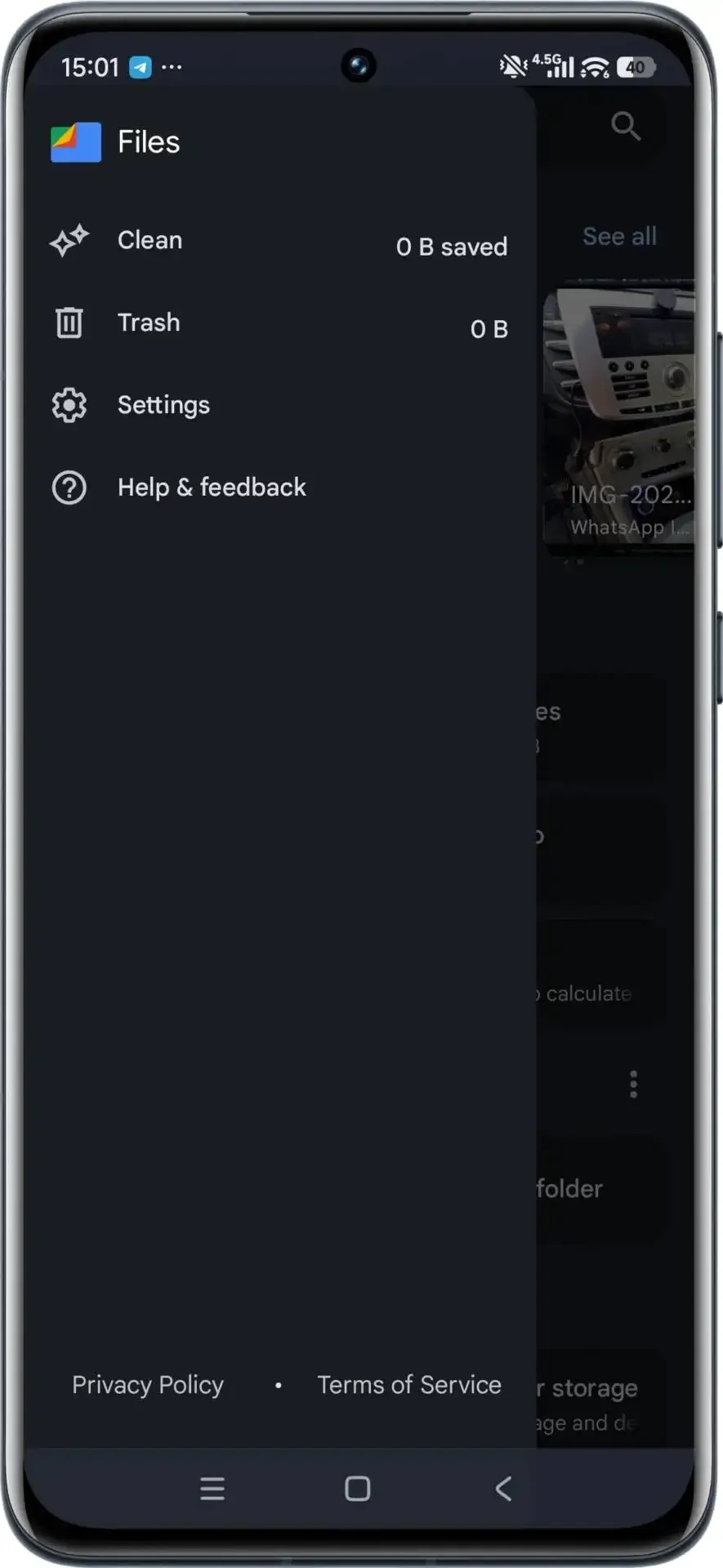
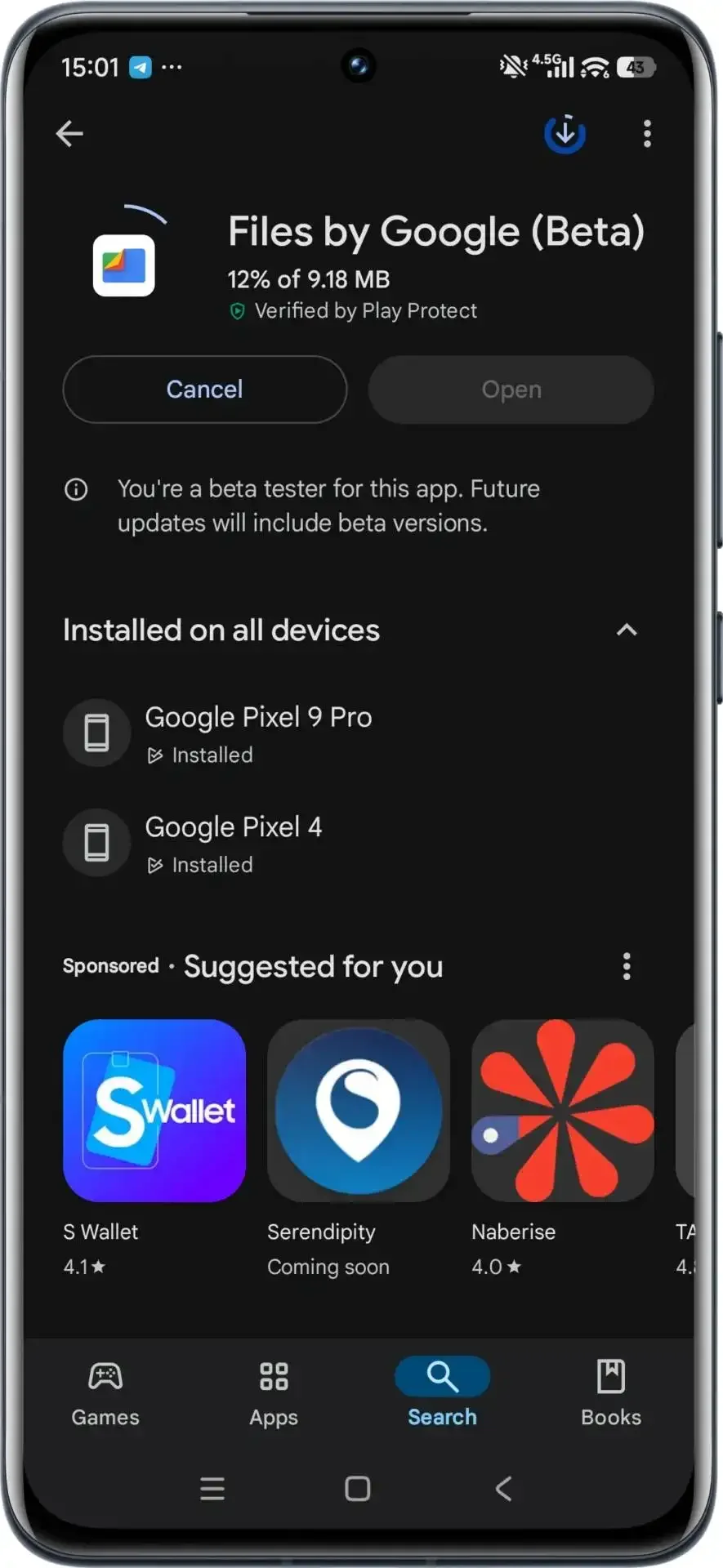
- Open Google Files (or grab it from thePlay Storeif it’s missing).
- Tap the Clean tab. The app automatically lists things that can go — cached data, large videos, duplicate images.
- Clear cache. This is the fastest way to get a small speed boost without touching your personal stuff.
- Uninstall unused apps. The app shows which ones you haven’t opened in ages.
- Delete the heavy hitters. Long forgotten downloads and multi-gigabyte clips often eat the most space.
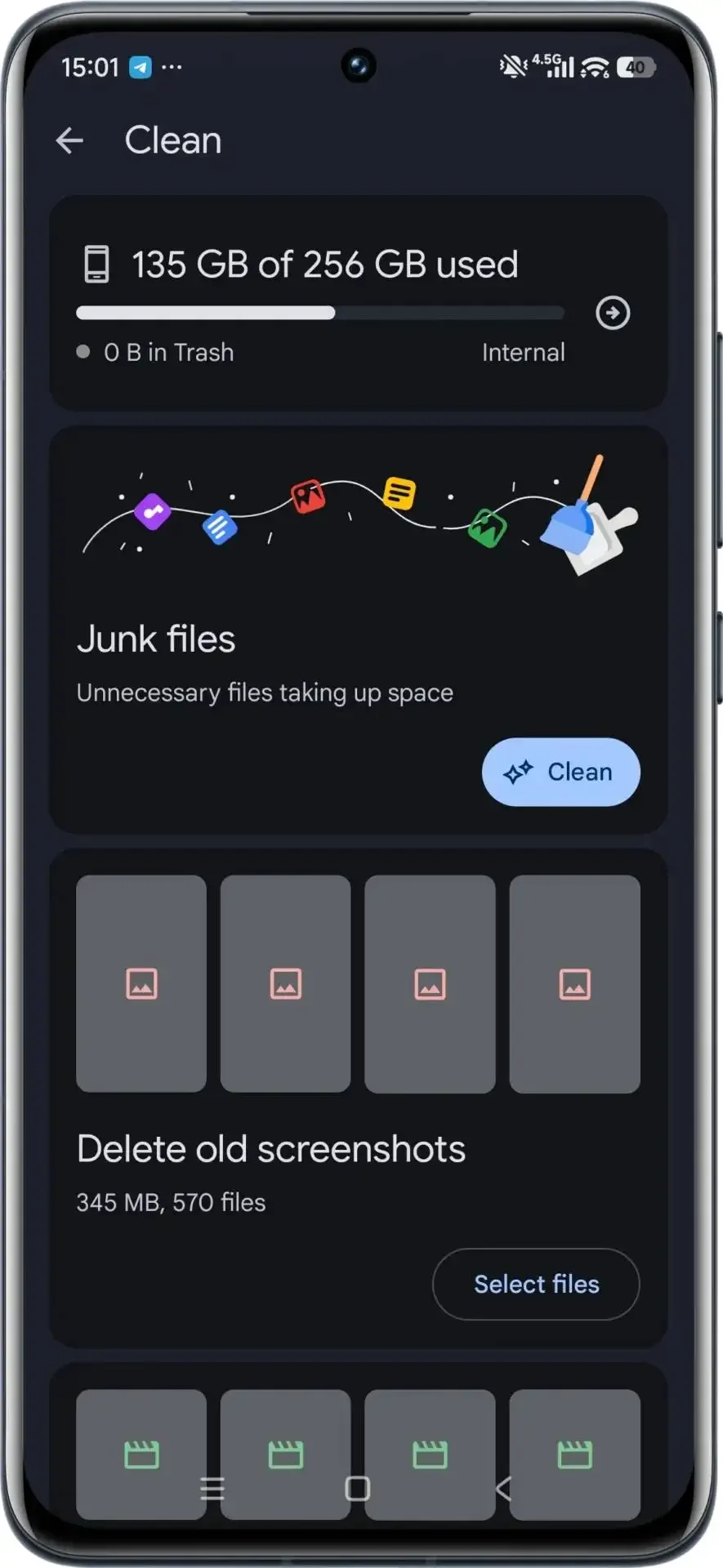
Five minutes later, your phone already feels lighter.
Step Two: Keep It That Way
After the first cleanup, a few habits go a long way.
- Restart now and then. It gives Android a clean slate.
- Install updates. MIUI and HyperOS patches often tweak performance behind the scenes.
- Close what you’re not using. Social apps love to stay alive in the background.
- Use cloud backup. Photos and videos don’t all need to live on your phone.
These are small things, but they stop slowdowns before they start.
Step Three: Notice the Difference
Right after a cleanup, most people notice snappier scrolling and quicker app launches. Even charging feels smoother because the processor isn’t juggling so many background tasks. On older models like the Redmi Note 11, the change can feel dramatic; newer phones just maintain their pace longer.
Why It Matters
Smartphones aren’t that different from laptops or cars — they perform best when maintained. Spending a few minutes every couple of weeks to clear digital debris keeps your Xiaomi feeling responsive for years instead of months. It’s free, easy, and oddly satisfying once you see those extra gigabytes of space appear.
Source from Gizchina
Disclaimer: The information set forth above is provided by gizchina.com independently of Alibaba.com. Alibaba.com makes no representation and warranties as to the quality and reliability of the seller and products. Alibaba.com expressly disclaims any liability for breaches pertaining to the copyright of content.