If you upgrade a standard TV with the appropriate equipment, it can still feel useful. You don’t have to purchase a new one. After you finish this article, you will have new uses for that TV. In fact, the TV will support apps and even the internet. If you choose, you can even get some more add-on features of smart TVs. Replacing a TV is not always a better deal. If the display is functional, then try upgrading.
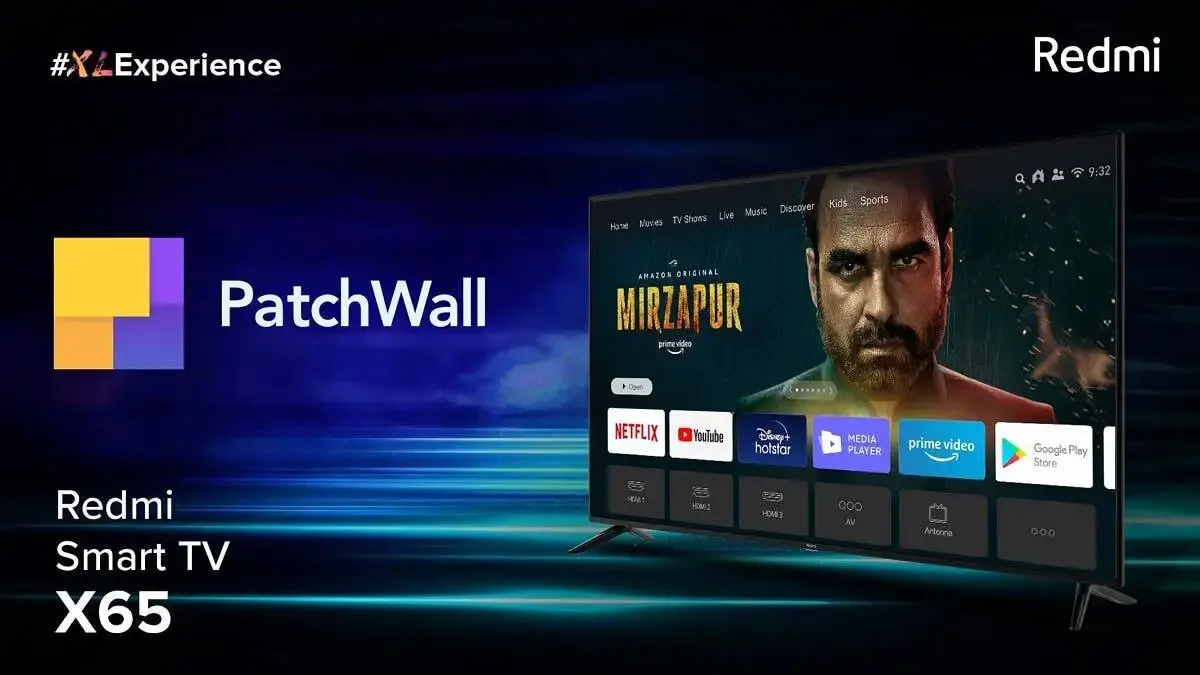
Use an HDMI streaming device
This is the easiest way to upgrade your TV. Most devices plug into your HDMI port and work like small computers built for streaming.
Popular options include:
- Roku
- Fire TV Stick
- Apple TV
- Google Chromecast
How to set it up:
- Check that your TV has a working HDMI port.
- Plug in the streaming device.
- Connect the device to Wi-Fi.
- Follow the on-screen setup guide.
- Install apps like Netflix, YouTube, and Prime Video.
This gives you fast access to apps without changing the TV itself. You can also cast videos from your phone and install extra apps.
Stream from your phone or tablet
If you do not want to buy new hardware, your phone can act as your streaming tool. Screen mirroring sends your display to the TV.
Ways to mirror:
- Android – Chromecast
- iPhone – AirPlay
- Some TVs – built-in casting options
Setup steps:
- Connect your phone and TV (or device) to the same Wi-Fi.
- Open your phone’s casting or mirroring feature.
- Select the TV from the device list.
- Start playing your video or app.
This is fine for quick viewing. It may lag during gaming or high-resolution movies, and it drains phone battery fast.
Try a set-top box or media player
A set-top box offers more power than a basic streaming stick. Many users choose Android TV boxes or mini PCs because they support more apps, more storage, and simple browsing.
What they offer:
- USB ports for storage and accessories
- Bluetooth for speakers and controllers
- Web browsing
- Local media playback
Steps to use them:
- Connect the box to your TV with HDMI.
- Connect to Wi-Fi or Ethernet.
- Install apps and set up accounts.
This feels closer to owning a full smart TV and gives more control over software.
Improve your audio for a better experience
Older TVs often have weak speakers. Good audio makes movies and games feel more immersive.
Easy upgrades:
- Small soundbar
- Bluetooth speakers
- AUX or optical speakers
Good sound can refresh the whole setup without large spending.
Ensure your internet connection is stable
Streaming needs a solid connection to avoid buffering.
Ways to improve connection:
- Move the router closer to your TV.
- Use a wired connection if possible.
- Check data limits if you use mobile internet.
A stable connection matters more than screen size when streaming.
Add useful accessories over time
Once your TV is smart, you can add more tools to make it easier to use.
Nice add-ons:
- Wireless keyboard for typing
- Cloud gaming services
- External storage for media files
You can upgrade slowly. You do not have to buy everything at once.
TV feels new with no new buy
You can turn an old TV into a smart set for low cash. Stick gear is fast and cheap to use. Box sets and add-ons provide more functionality and additional apps. The aim is not to copy all new tech. The aim is to get tools that make watch time fun and easy.
Conclusion
This DIY fix lets you repurpose an old TV in fun ways. You save cash and skip new sets. Add apps with ease and play on. Start with a stick, then add more gear as you grow. It’s cheap and brings the excitement that a more expensive smart TV offers.
Source from Gizchina
Disclaimer: The information set forth above is provided by gizchina.com independently of Alibaba.com. Alibaba.com makes no representation and warranties as to the quality and reliability of the seller and products. Alibaba.com expressly disclaims any liability for breaches pertaining to the copyright of content.