HyperOS has changed many things in Xiaomi’s software, but the Control Center might be the part you’ll notice first. It’s cleaner, faster, and more flexible, giving you much more control over how your phone looks and works. Whether you enjoy tweaking details or just want quicker access to the things you use every day, there’s a lot hidden behind that simple swipe from the top of the screen.
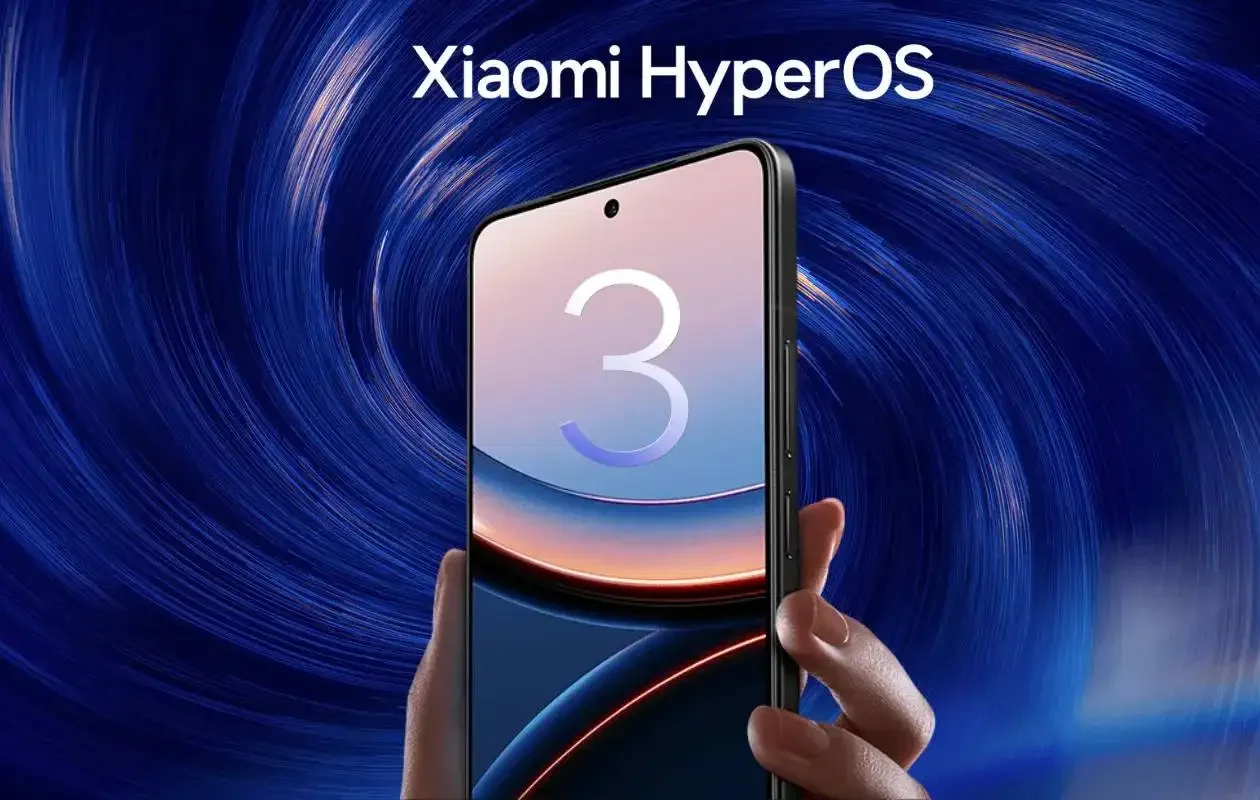
Choose the Control Center style that fits your taste
HyperOS offers two layouts: the new minimal Control Center and the classic version that long-time Xiaomi users know well. The new one feels smoother and more modern, with polished animations that make the interface look almost alive. The classic layout keeps the older MIUI feel, which some people still prefer.
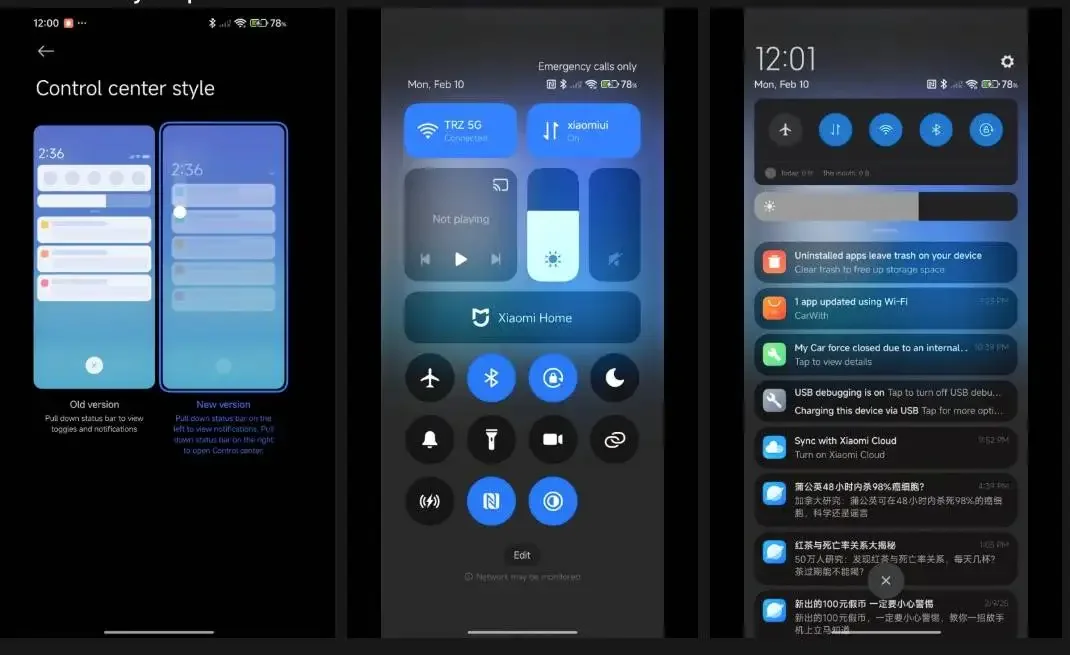
Changing styles is easy:
- OpenSettings
- TapNotifications & Control Center
- SelectControl Center style
- Pick the one you like
It’s worth trying both for a few hours — sometimes the right design clicks only after real use.
Tune your notifications so they actually help you
Nobody wants a notification panel that feels like a chore. HyperOS gives you simple controls to make your alerts more useful and less noisy.
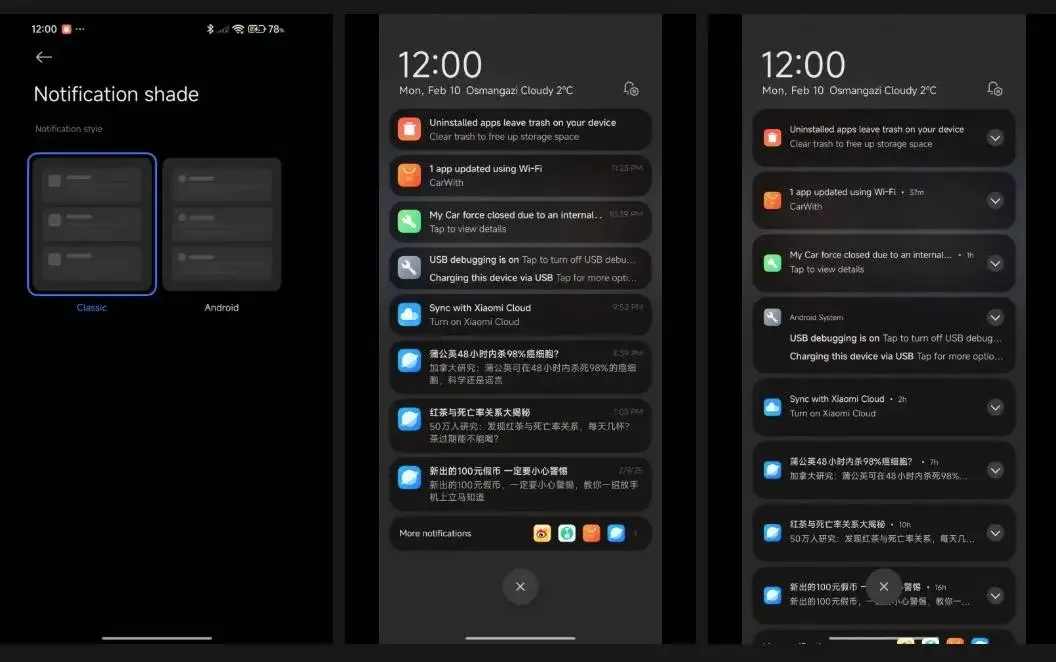
You can switch between HyperOS-style notifications (cleaner and more rounded) and the standard Android look. There’s also the option to adjust how colors behave when new alerts arrive, plus full control over how each app sends notifications.
This is where small tweaks make a big difference. For example, turning off notifications for apps you don’t need, or allowing only important alerts to pop up, can make your phone feel calmer without missing anything urgent.
Rearrange your quick toggles the smart way
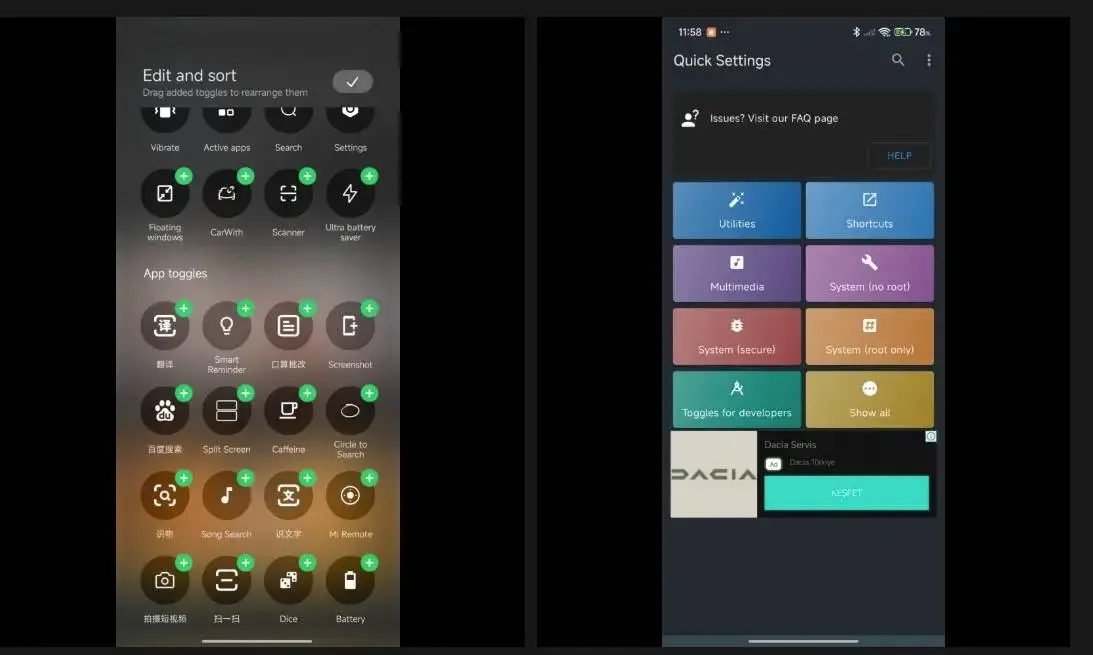
Think of the quick toggles as your phone’s “speed dial.” HyperOS lets you move them around to match your habits.
Here’s how:
- Pull down the Control Center
- Hit theEdit(pencil) icon
- Drag toggles into the order that works for you
- TapDoneto save
A tiny adjustment — like placing Wi-Fi, Hotspot, or Torch at the top — can shave seconds off routine tasks.
HyperOS does keep the first four toggles fixed, but everything else is fair game.
Give your Control Center a fresh look with themes
If you enjoy visual customization, HyperOS themes are a small rabbit hole you’ll be happy to fall into. Themes can reshape the Control Center without affecting how it functions. Some mimic iOS or One UI; others go for bold colors or minimalist black-and-white palettes.
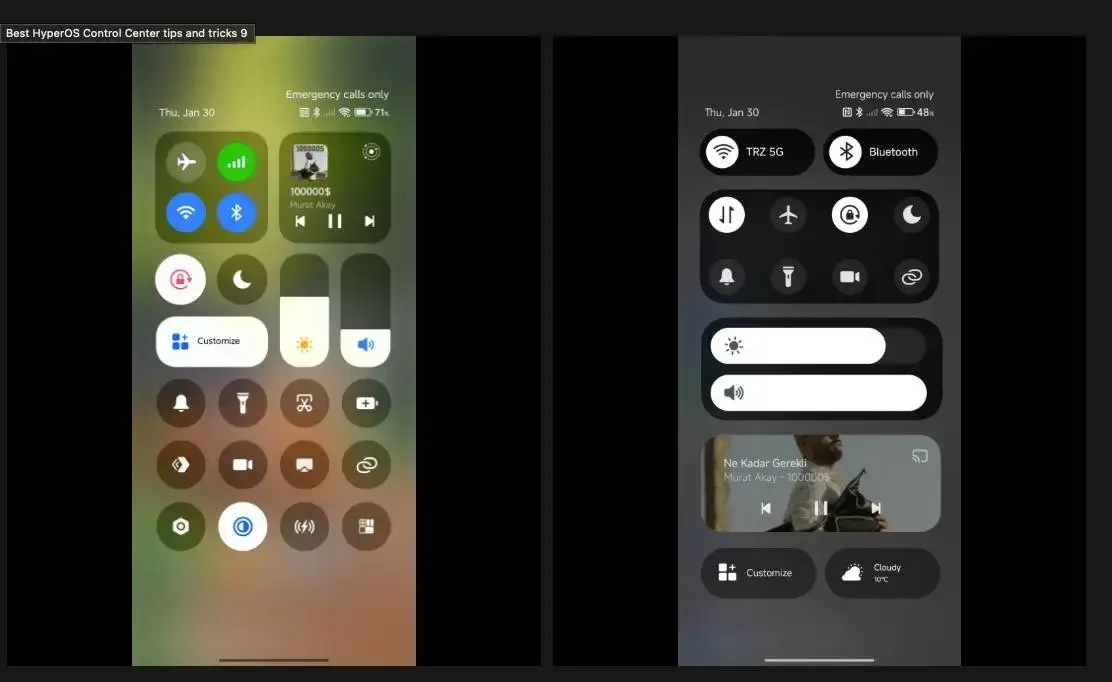
Switching to a theme that matches your wallpaper or icon pack can make your whole phone feel more coherent. It’s a simple way to refresh your device without changing anything else.
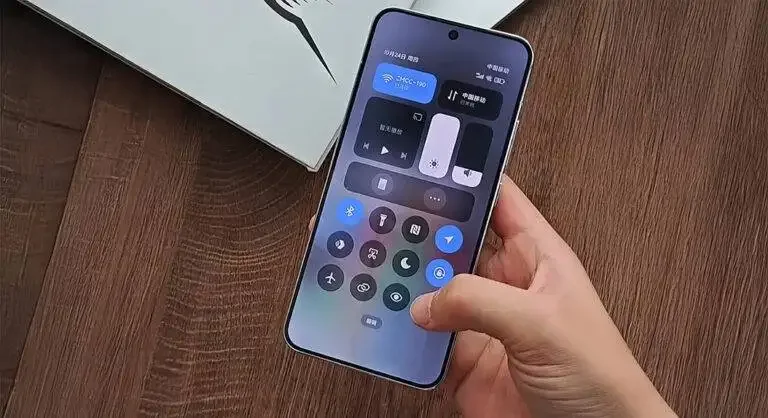
Add completely new toggles with the Quick Settings app
If you want even deeper customization, the Quick Settings app adds extra toggles that don’t come built into HyperOS. You can add shortcuts for things like advanced connectivity tools, new flashlight modes, or device-specific features.
Setup is straightforward:
- DownloadQuick Settingsfrom the Play Store
- Open it and head toToggles
- Pick the extra toggles you want
- Add them to your Control Center
It’s a great way to unlock small features that Xiaomi doesn’t include by default.
Final thoughts
HyperOS gives Xiaomi users plenty of freedom to shape their daily experience. With a few tweaks, your Control Center can feel faster, cleaner, and far more personal — and once you set it up, it’s hard to go back to the default layout.
Key Takeaways
- HyperOS offers two Control Center styles with different layouts and animations.
- Notification options let you switch styles and control each app’s behavior.
- Quick toggles can be rearranged to speed up your daily tasks.
- Themes can fully change how your Control Center looks.
- The Quick Settings app adds extra toggles for deeper customization.
Source from Gizchina
Disclaimer: The information set forth above is provided by gizchina.com independently of Alibaba.com. Alibaba.com makes no representation and warranties as to the quality and reliability of the seller and products. Alibaba.com expressly disclaims any liability for breaches pertaining to the copyright of content.